Kiosk use cases
Match your project's usage scenario with suitable enclosure forms and hardware components to evaluate.
01Reception and information
Reception points where visitors quickly access announcements, building information or corporate content.
Typical Environments- Public buildings and municipalities
- Corporate lobbies and business centers
- University and education campuses
Evaluated Hardware- Landscape or portrait industrial touch display
- Locked internal PC compartment and power routing
- Floor-bolted or wall-mounted enclosure structure
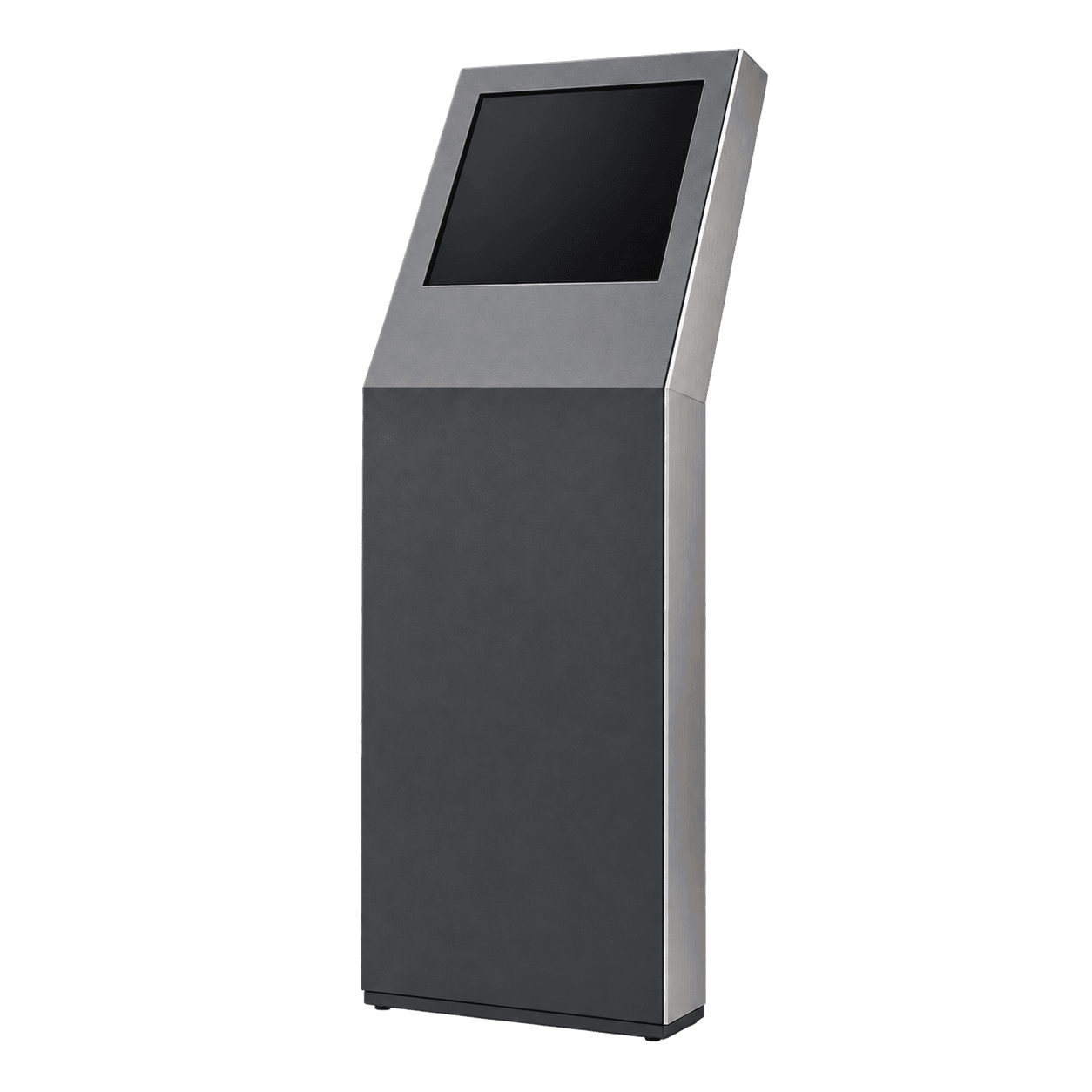
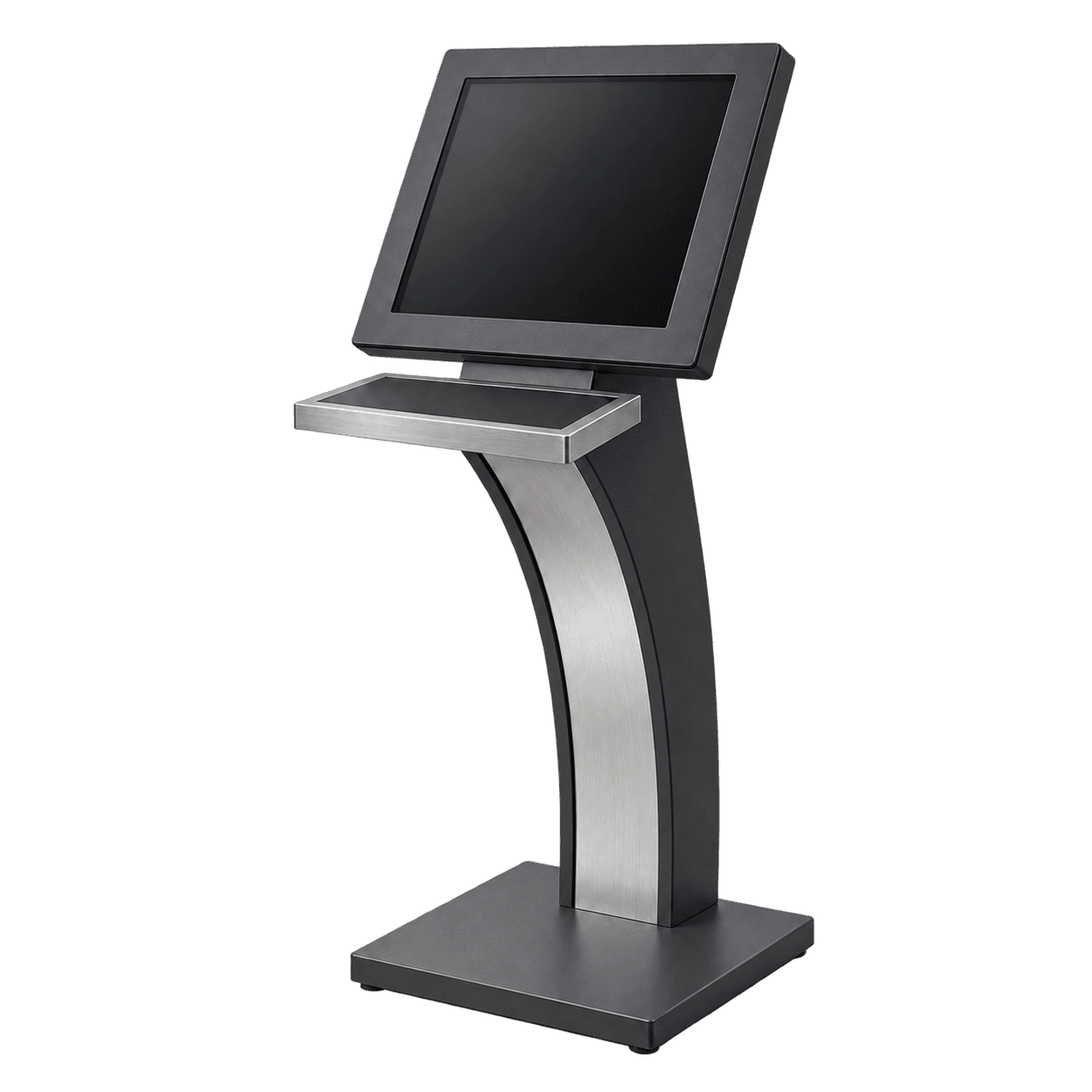
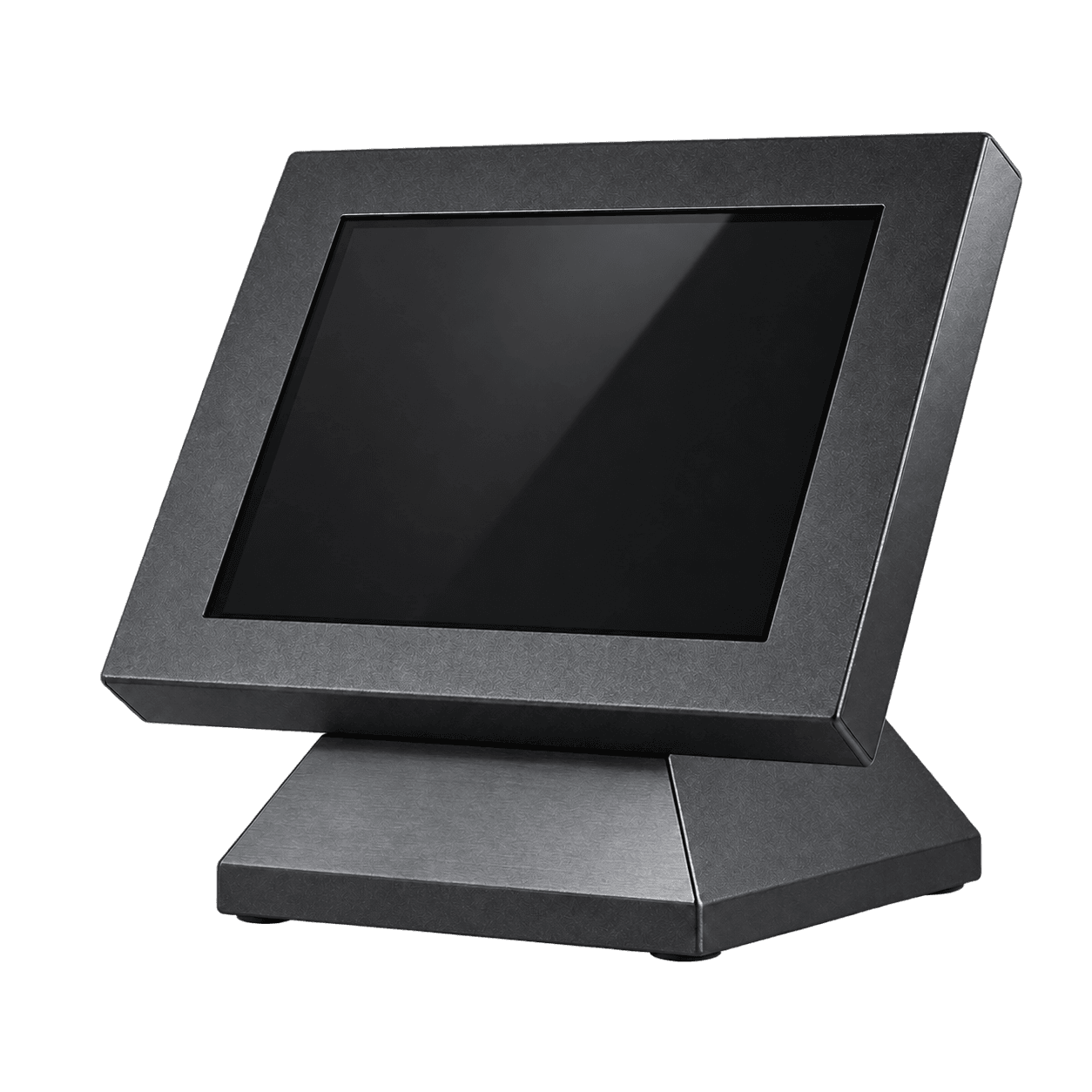
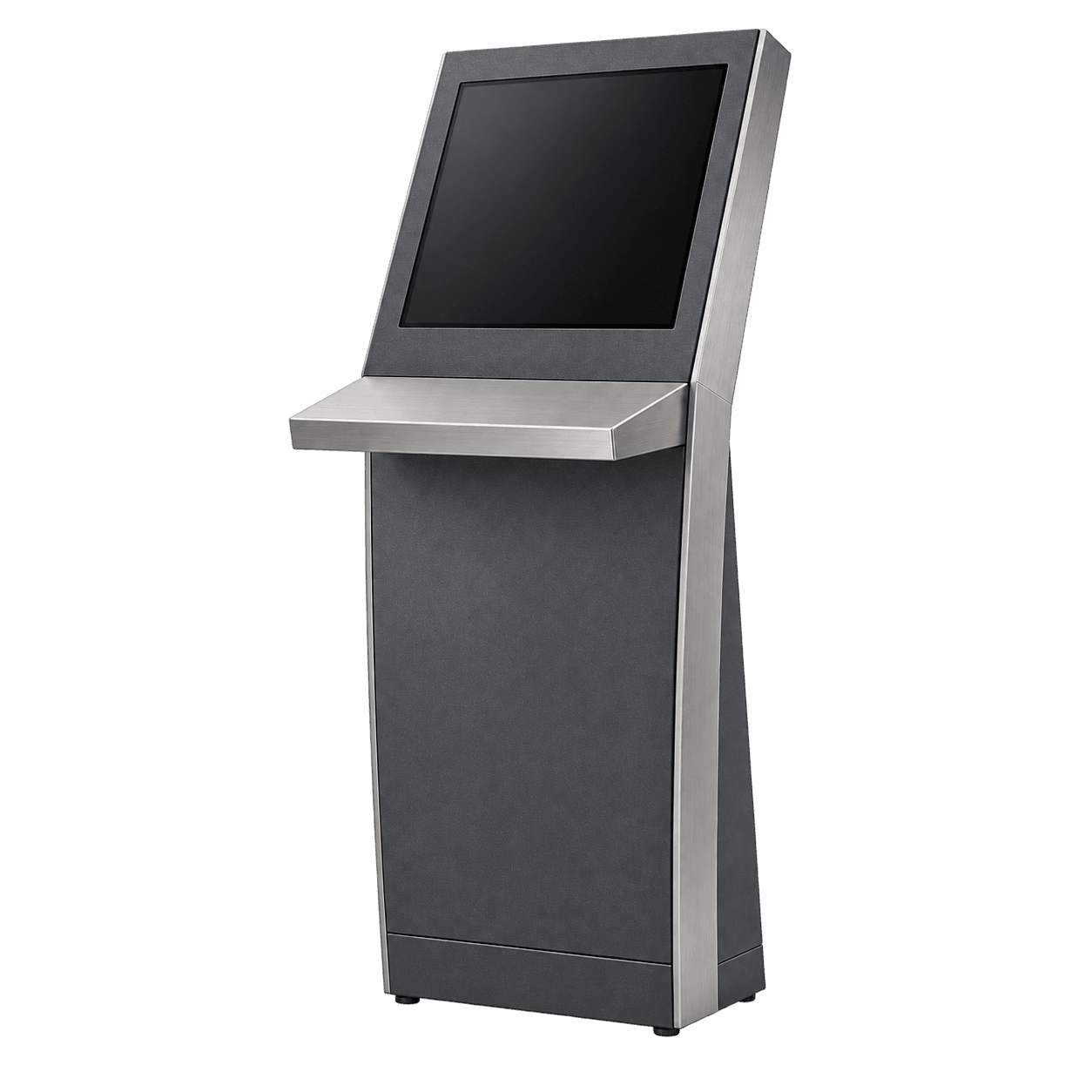
Recommended Model Families 02Self-service processes
Transaction points where visitors complete forms, check-in, applications or verification steps independently.
Typical Environments- Hospitals, clinics and healthcare centers
- Manufacturing plants and staff areas
- Customer service and application halls
Evaluated Hardware- Ergonomic angled touch display
- Barcode / QR scanner or card reader bay
- Thermal printer with easy paper-loading door
Recommended Model Families 03Queue and service points
Compact ticketing points that issue queue slips and guide visitors to service counters in high-traffic areas.
Typical Environments- Counter and teller waiting areas
- Outpatient clinics, labs and pharmacies
- Notaries, tax offices and service centers
Evaluated Hardware- Compact touch display head
- High-speed thermal ticket printer bay
- Optional ID / smart card reader integration
Recommended Model Families 04Product and content presentation
Display points showcasing digital catalogs, campaigns or product portfolios in a freestanding or wall form.
Typical Environments- Retail stores, showrooms and branches
- Exhibition booths and event spaces
- Hotel, cultural center and gallery entrances
Evaluated Hardware- Portrait or wide-format display integration
- Custom RAL enclosure finish and branding zone
- Indoor or semi-outdoor protective chassis
Recommended Model Families 05Wayfinding and directories
Directory points positioned in large complexes for floor plans, store lookup and department guidance.
Typical Environments- Shopping centers and mixed-use complexes
- Hospital blocks and large campuses
- Convention centers and transit terminals
Evaluated Hardware- Wide-viewing-angle touch display
- Heavy-duty steel enclosure for public traffic
- Stable base plate for central concourses
Recommended Model Families Describe the need clearly
These five points help us quickly clarify the suitable kiosk enclosure and hardware scope during our first discussion.
- Operating environment (indoor, semi-open or outdoor)
- Daily traffic volume and access pattern
- Primary interaction planned on screen
- Required peripherals (printer, scanner, reader, etc.)
- Estimated quantity and target delivery schedule
Your project may combine multiple scenarios. Share your requirements and we will determine the suitable enclosure and hardware scope together.
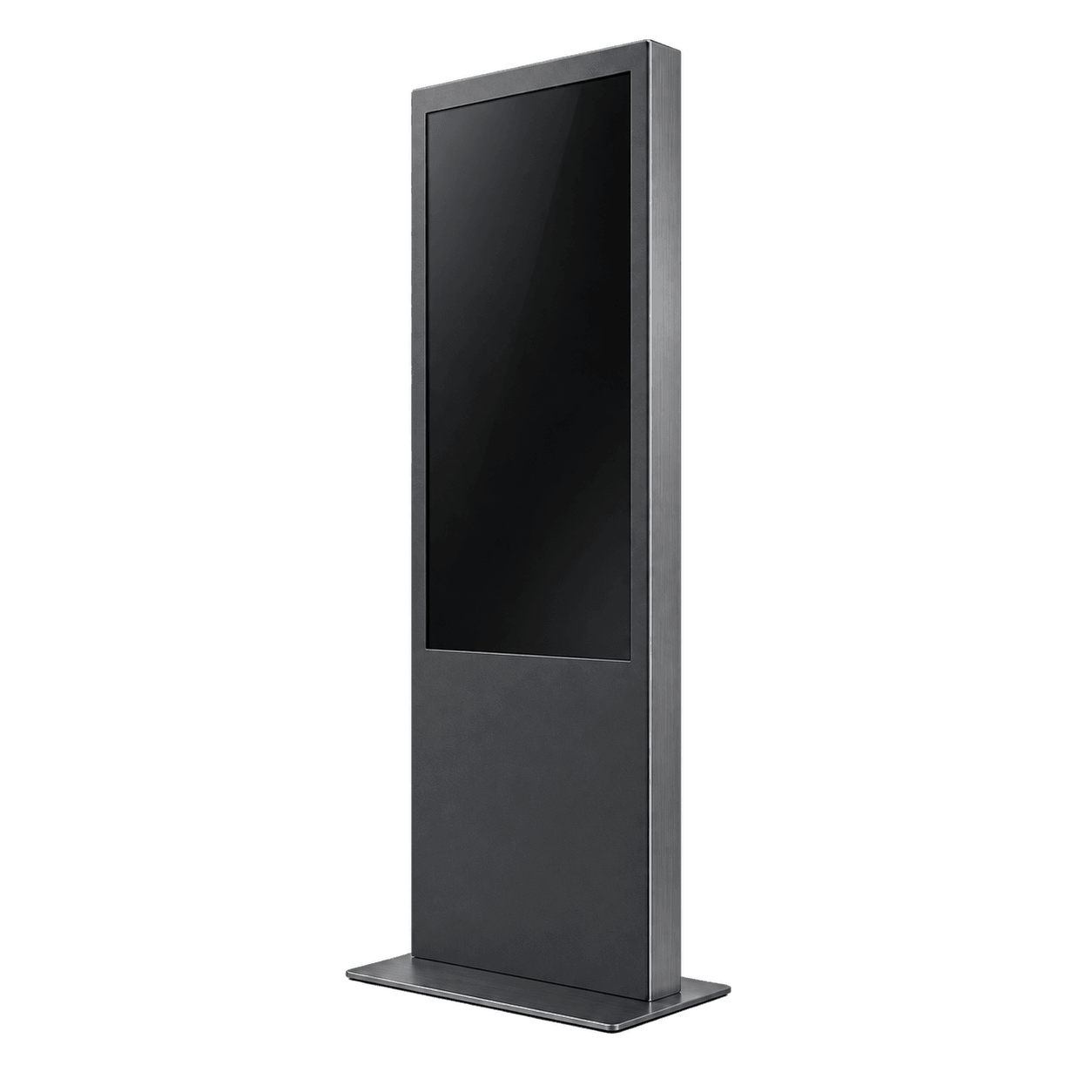 TOT
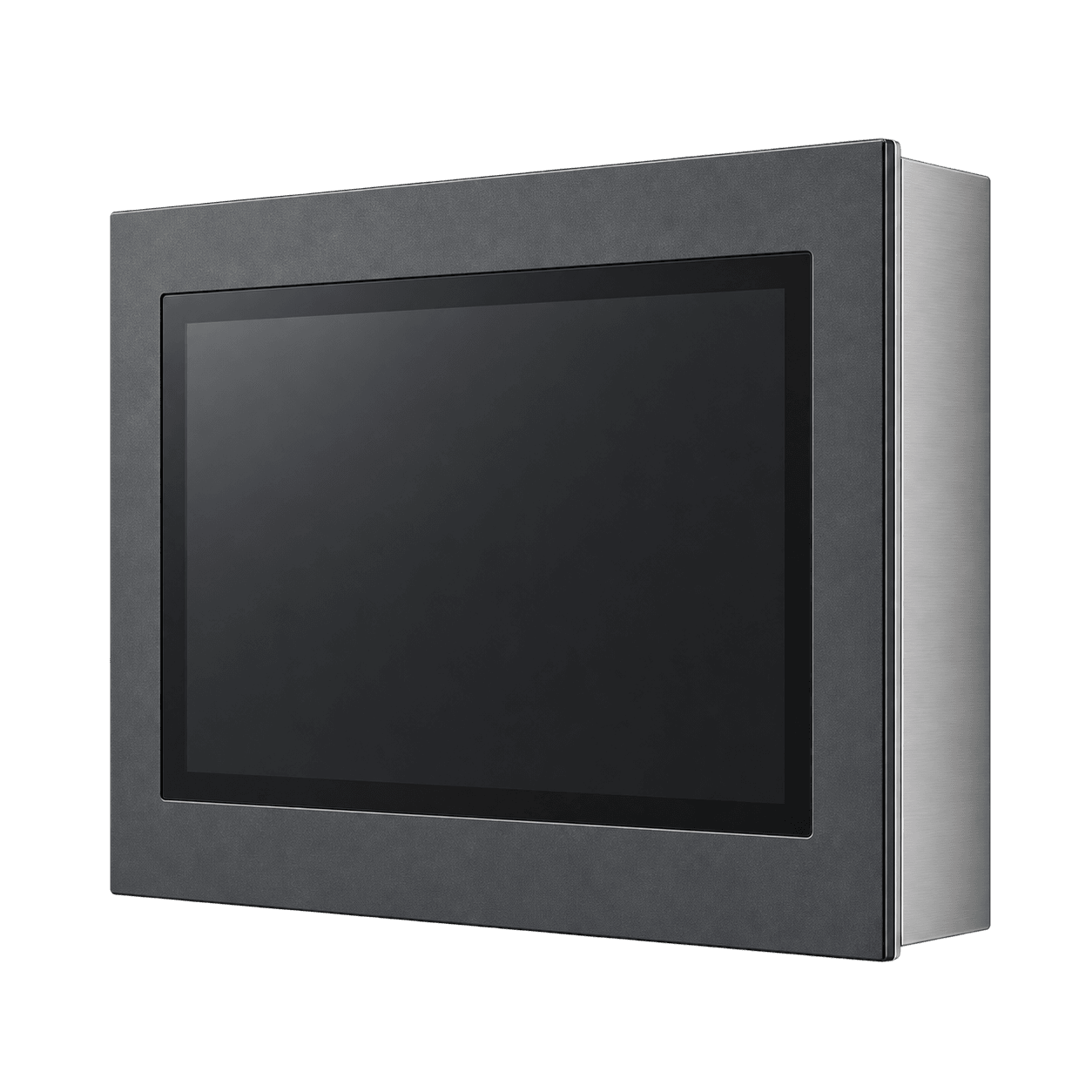 WAL
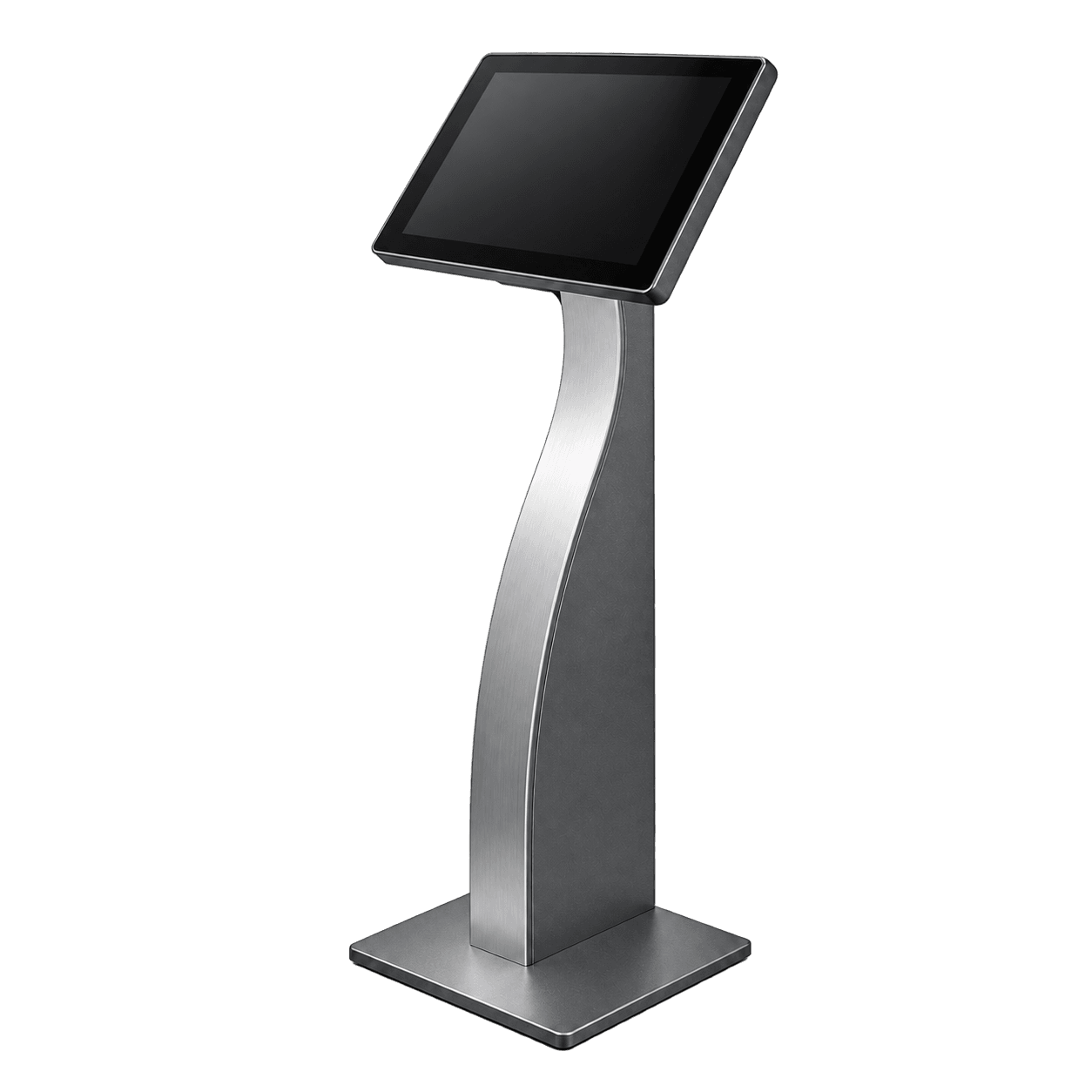 TAB
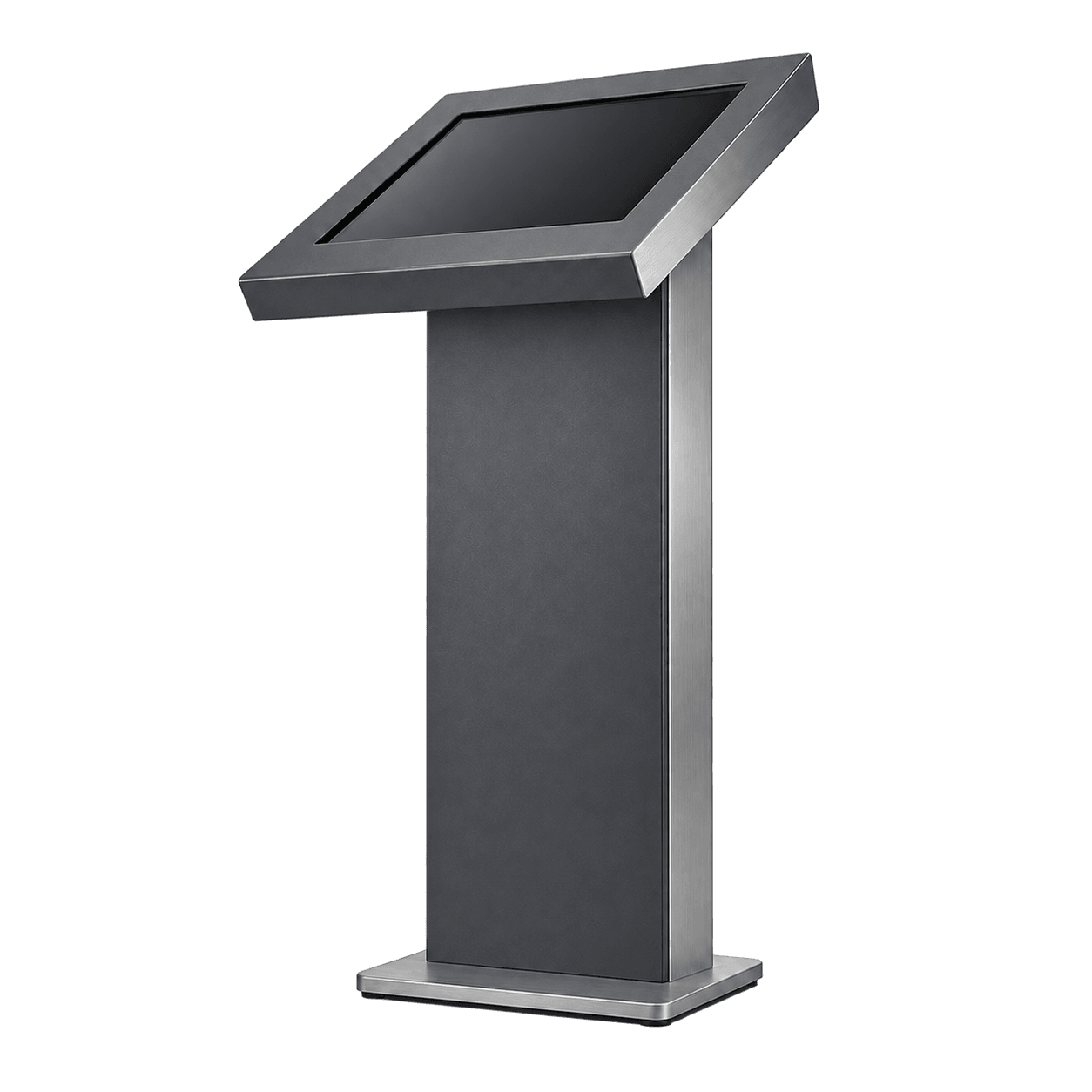 ALF
 BASELINE
 ELA
 PDA
 FNX
 ODT